Where
Platforms and territory, recorded from the agreement.
 OGA STUDIOTools for follow-through
Notion system / 004 · For creators & solo studios
Guardian Rights Clock
Know what a brand can use, when it expires, and what to renew. Keep the written scope and next action connected in Notion.
See how it works$17 launch edition · One time · Notion Free
One record per rights window
Platforms and territory, recorded from the agreement.
Organic, paid social, whitelisting, and other agreed uses.
Start, end, renewal lead time, and exclusivity dates.
Review terms, contact the brand, or record a new term.
From agreement to renewal
Brands, Deals, Deliverables, and Usage Licenses stay linked. Record a payment when it arrives; review an expiry before contacting the brand.
Create a brand and a deal. Keep the written agreement, fee, and payment record together.
Connect the deliverable to its usage type, platforms, territory, start date, end date, and source.
See missing terms, upcoming expiries, recorded exclusivity, and overdue payments. Check the written agreement before acting.
Create a linked renewal record and enter its new written terms. Keep the old scope and dates as history.
Sample data · How a signal reads
Paid social · Instagram + Facebook · Recorded end in 14 days
◐ RENEW SOON · 14 days left
An expiry is a prompt to review your records and the brand's actual usage. It does not prove infringement or automatically contact anyone.
The template you receive
Start with no business records. The homepage explains the first steps and keeps setup links separate from daily work. Switch Notion to Dark Mode for the darker appearance; light mode is shown below.
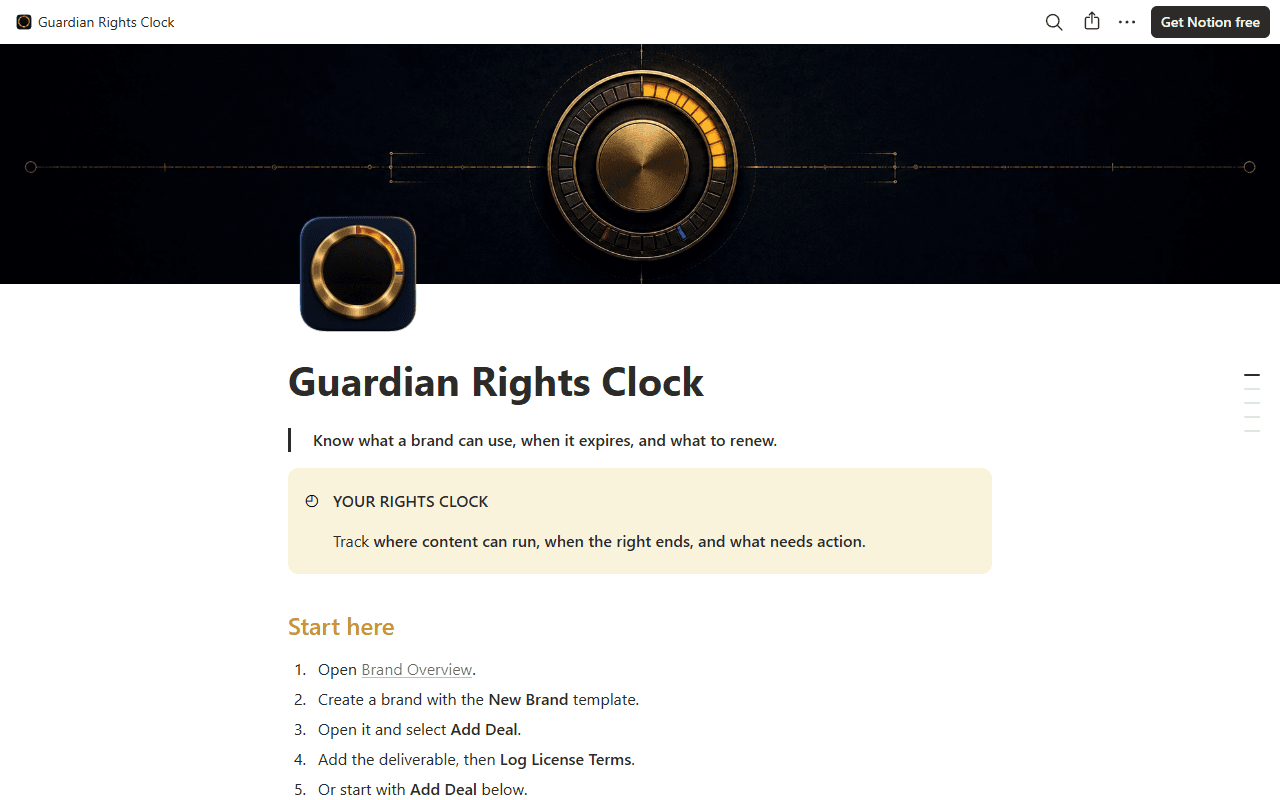
Guardian Rights Clock for Notion
One-time launch price
$17
No subscription. Works on Notion Free.
Continue to checkout on Payhip. One-time purchase; no subscription.
Before you start
UGC creators, micro-influencers, and solo studios managing several brand collaborations with different usage terms.
No. The core workflow uses Notion databases, relations, formulas, templates, and buttons. No paid automation or external widget is required.
No. Statuses summarize the dates and terms you enter. It does not monitor ads, interpret contracts, detect infringement, or give legal advice.
No. Renewal signals appear inside Notion for your review. You contact the brand yourself; the template does not send messages or background notifications.
Create separate usage-license records whenever platforms, territories, usage types, or term dates differ. This keeps each expiry window distinct.
Yes. Use the focused homepage links and Add Deal shortcut in your own Notion copy. A Notion account is required; the app is optional. A full browser can help if an in-app link keeps loading.
The layout and included artwork are the template itself. Notion controls light/dark appearance and mobile layout. Your copy starts with no business records; explanatory examples are labelled as sample data.
A ZIP with an HTML start page, the Notion duplication link, English Quick Start, license, disclaimer, and cover/icon assets. The product is a Notion template, not a standalone app.
No. The license covers your personal or solo-business use. You can customize your copy, but cannot redistribute the reusable template or delivery files.
Guardian Rights Clock is an organizational record and date-based review system. It is not legal advice, contract interpretation, or automated rights monitoring. Verify written terms, current usage, fees, and payment independently.