STEP 01
Create the project
Choose Fixed Fee, Hourly, or Retainer and enter the numbers that define the deal.
 OGA STUDIOTools for follow-through
Connect real work, scope changes, revision burn, and payment status—then see effective hourly rate and estimated margin before a fixed-fee project quietly loses its value.
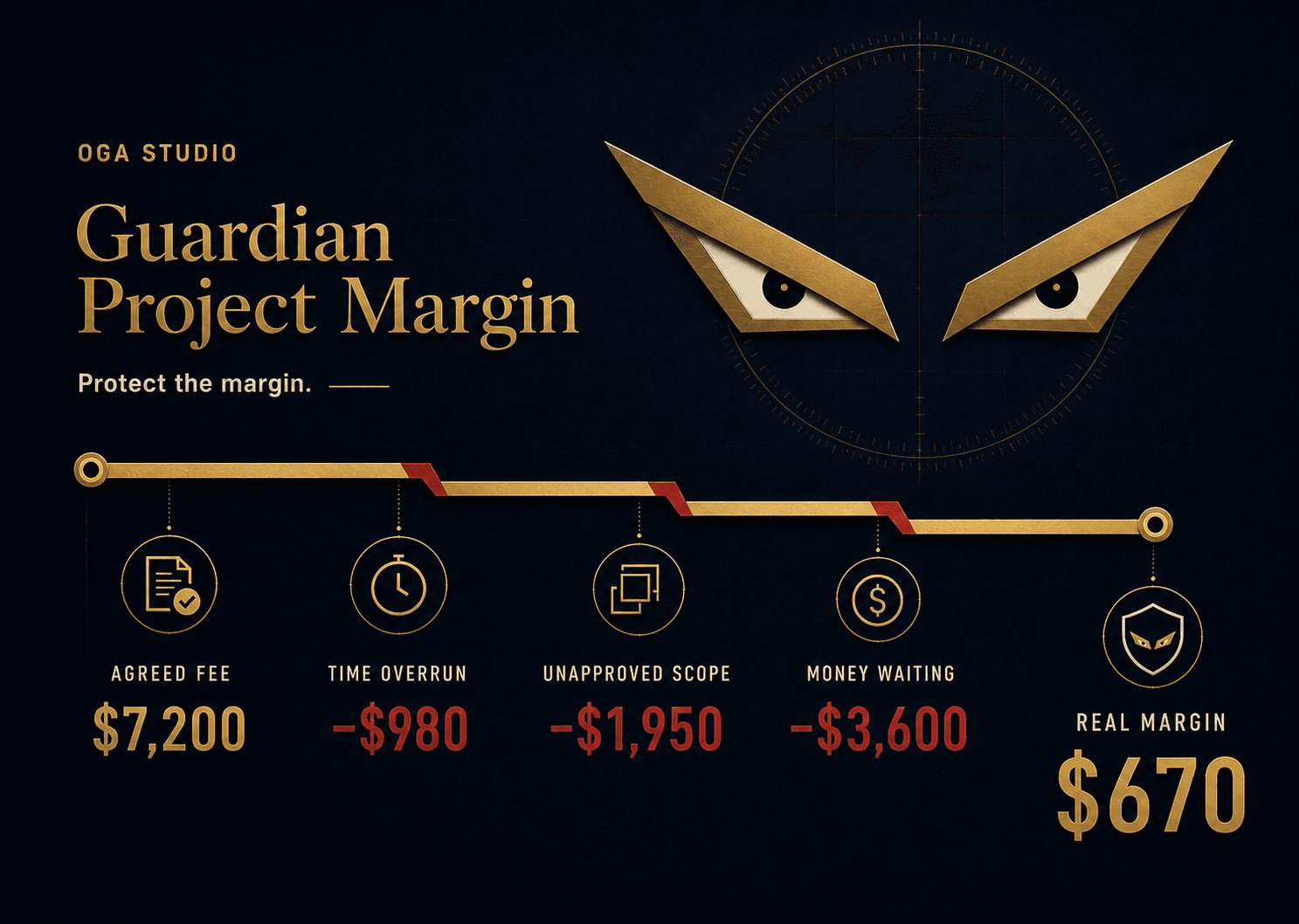

Margin line
Gold holds. Red warns.
4
linked databases
5
clear health states
0
paid automations needed
Risk diagnosis
Hours run long. Revisions multiply. Unapproved work slips into the project. Payments wait. Guardian Project Margin brings those risks into one visible Project Health signal.

The working loop
Create the project. Track completed work. Log every scope change. Mark payment only after the money arrives.
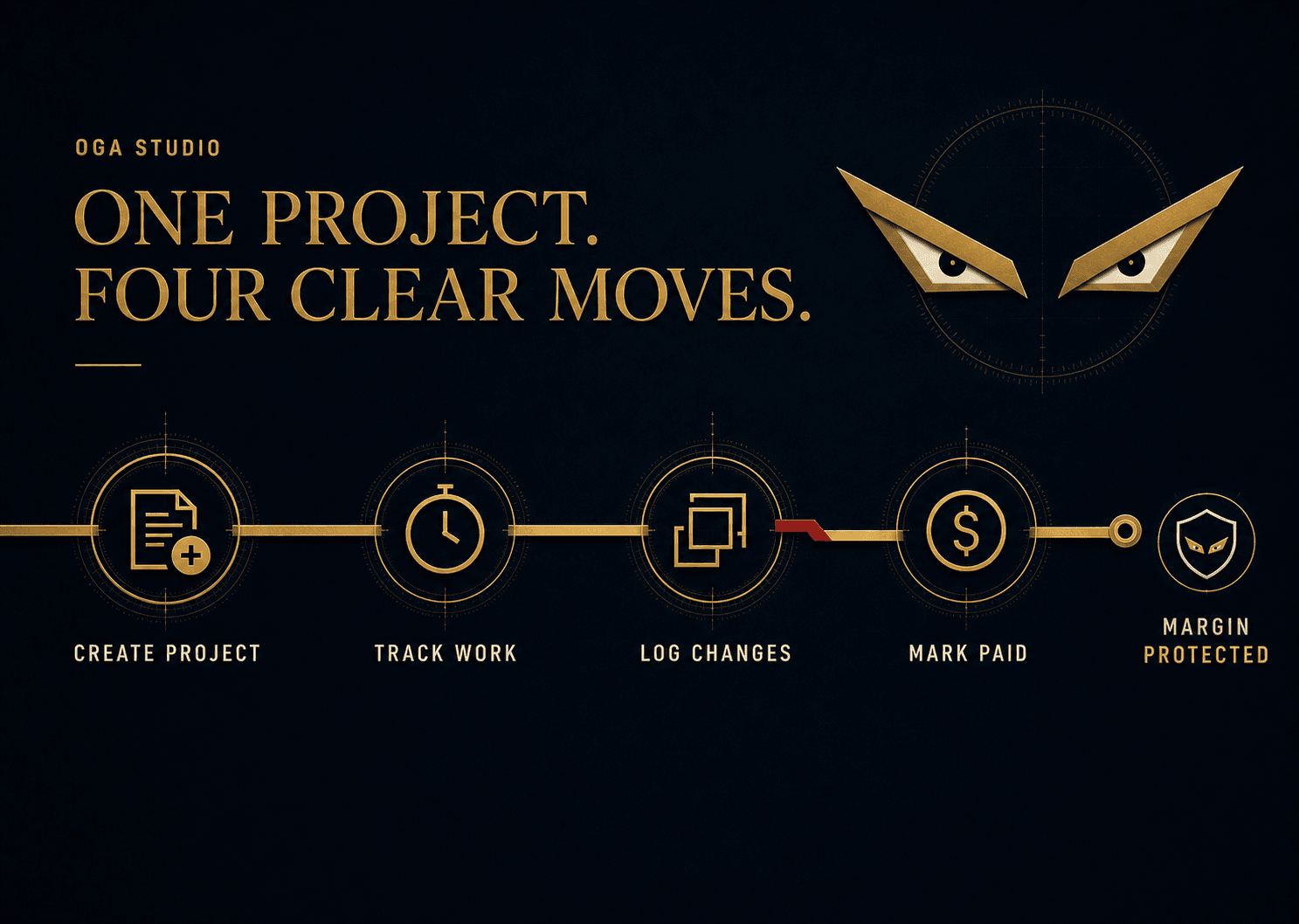
STEP 01
Choose Fixed Fee, Hourly, or Retainer and enter the numbers that define the deal.
STEP 02
Start, Finish, or Stop work sessions so Actual Hours reflects what really happened.
STEP 03
Separate included revisions from unapproved scope before extra work disappears into delivery.
STEP 04
Add expected payments and mark them paid only after the money actually arrives.
Project Health
SAFE, WATCH, LEAK, BLEEDING, and PAID turn connected project records into a decision prompt you can understand at a glance.
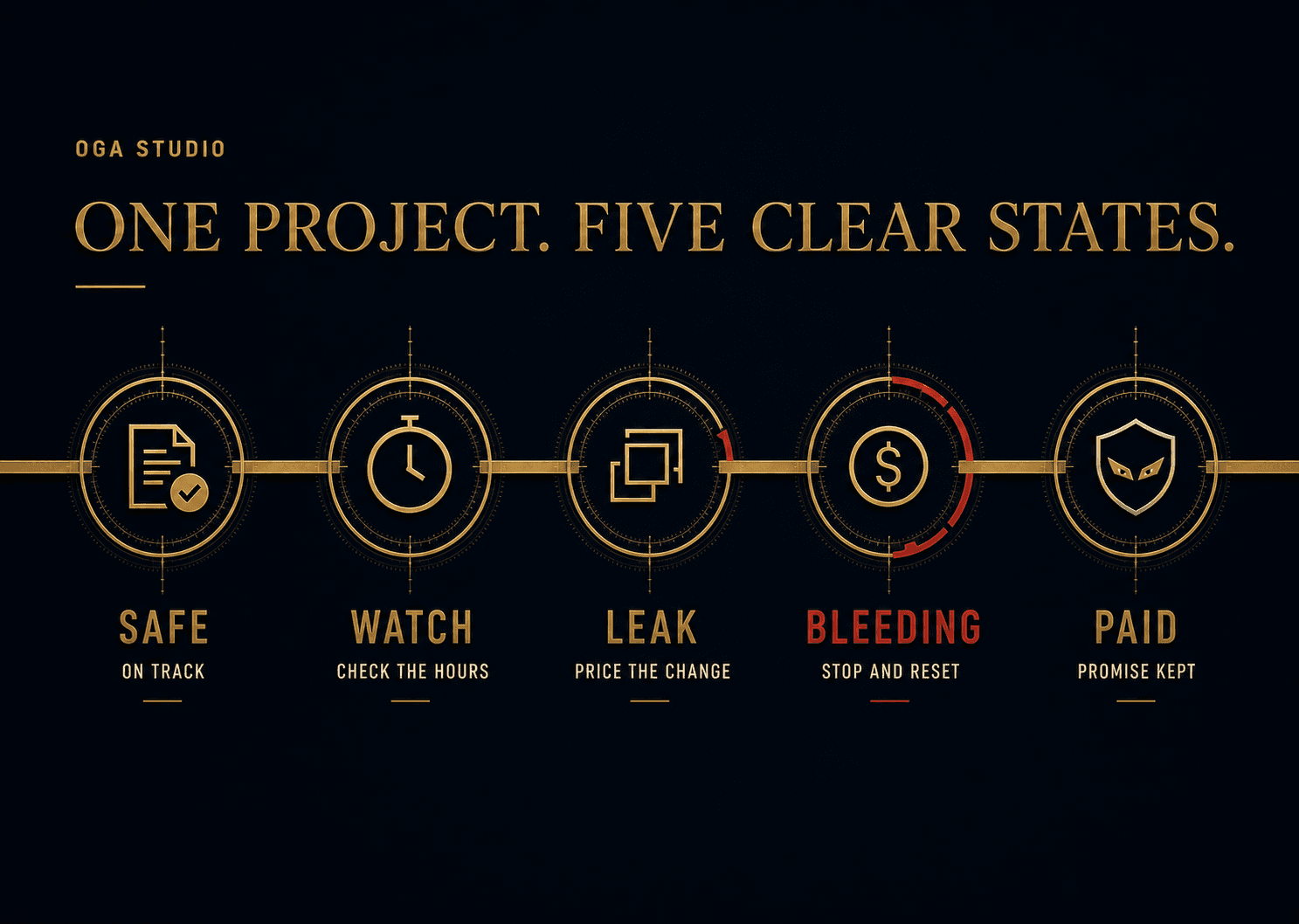
SAFE
Scope and time are holding.
WATCH
Time or revisions are getting tight.
LEAK
Unapproved work is costing you.
BLEEDING
Margin is negative or cash is overdue.
PAID
Work is closed and money is received.
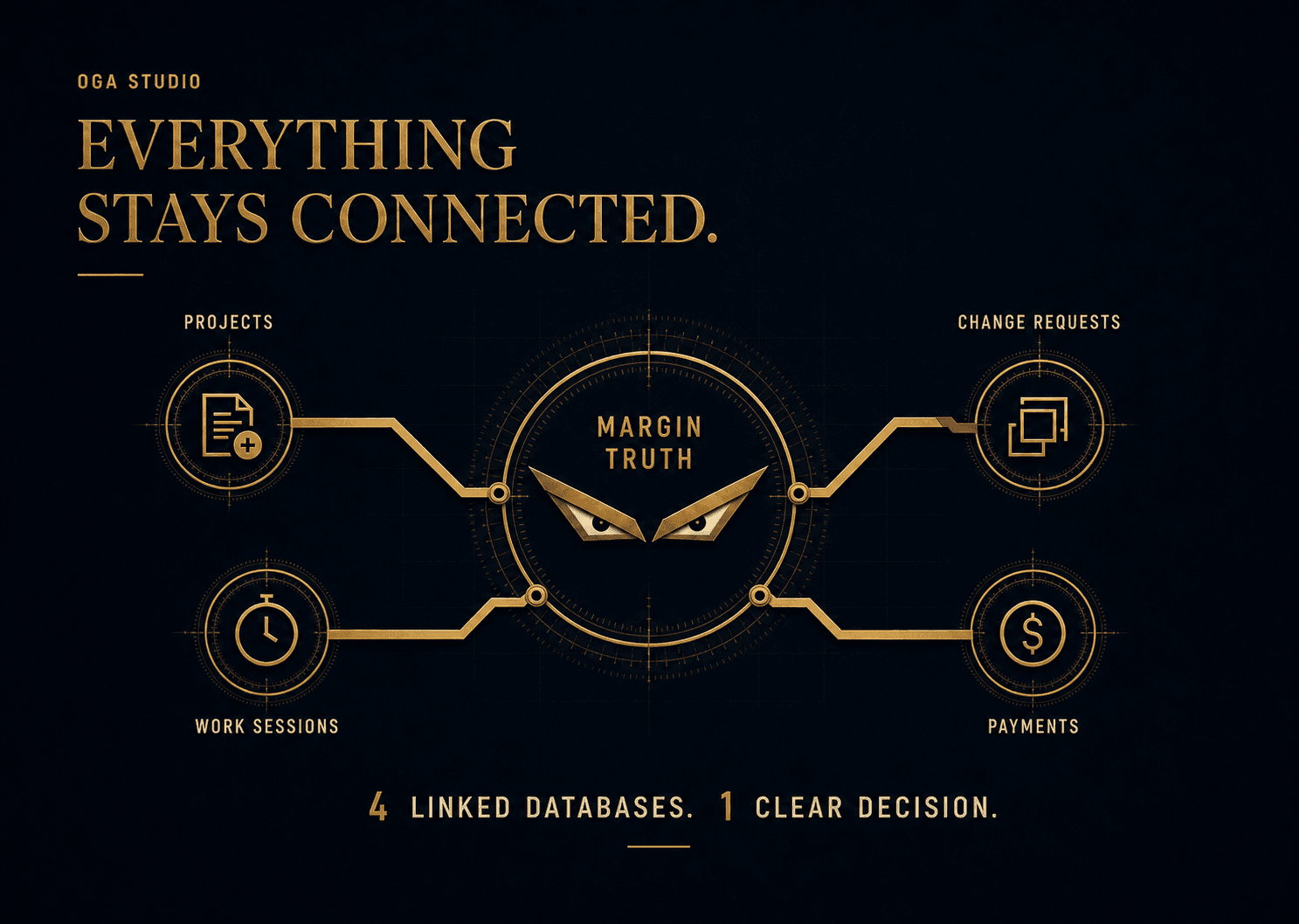
Connected by design
Projects, Work Sessions, Change Requests, and Payments feed the same margin view—without a giant freelancer OS.
Real Notion proof
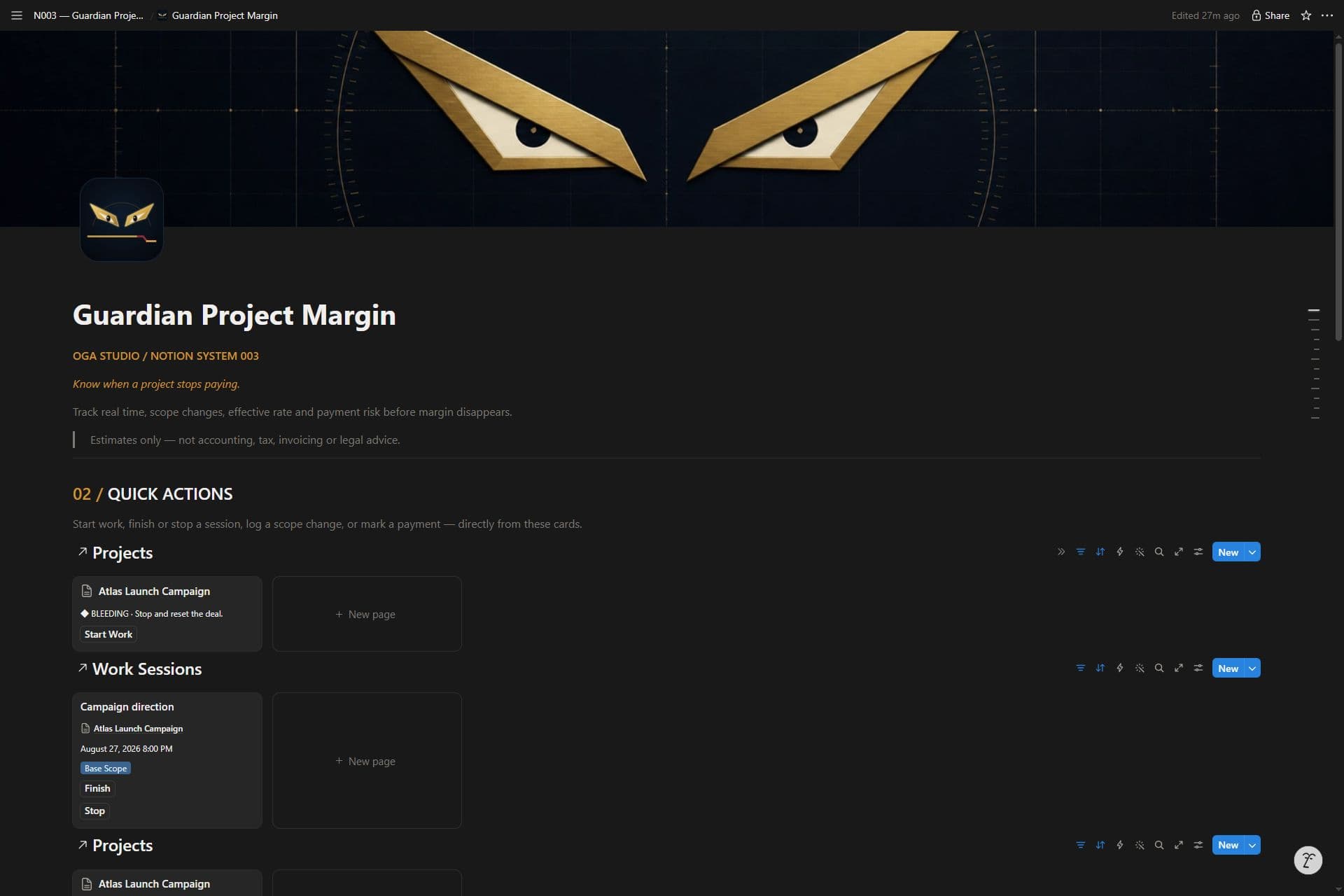
The first five visuals explain the workflow. This final image shows the real Notion interface with reproducible sample data. Your delivered master starts empty.
Figures shown are demonstration data. Estimated Margin and Unapproved Work Value depend on user-entered assumptions and are not accounting, tax, legal, financial, or invoicing advice.
Launch edition
One-time purchase
Lifetime access to this version. No subscription.
Continue to checkout on Payhip. One-time purchase; no subscription.
No. The core system uses databases, relations, formulas, rollups, templates, and buttons designed for Notion Free.
No. Start, Finish, and Stop record the time when you press each button. Only valid completed sessions count toward Actual Hours.
No. It records expected and received amounts inside Notion. It does not send invoices, contact clients, connect to a bank, or verify a payment.
Yes. Templates for all three are included. Use one currency per project; currency conversion is not included.
Yes. Mobile Quick Actions provides focused views for Start Work, Finish or Stop, Log Change, and Mark Paid.
No. The purchase includes a Personal / Solo-Business Use License. You may customize your own copy but may not redistribute the reusable template or delivery files.